




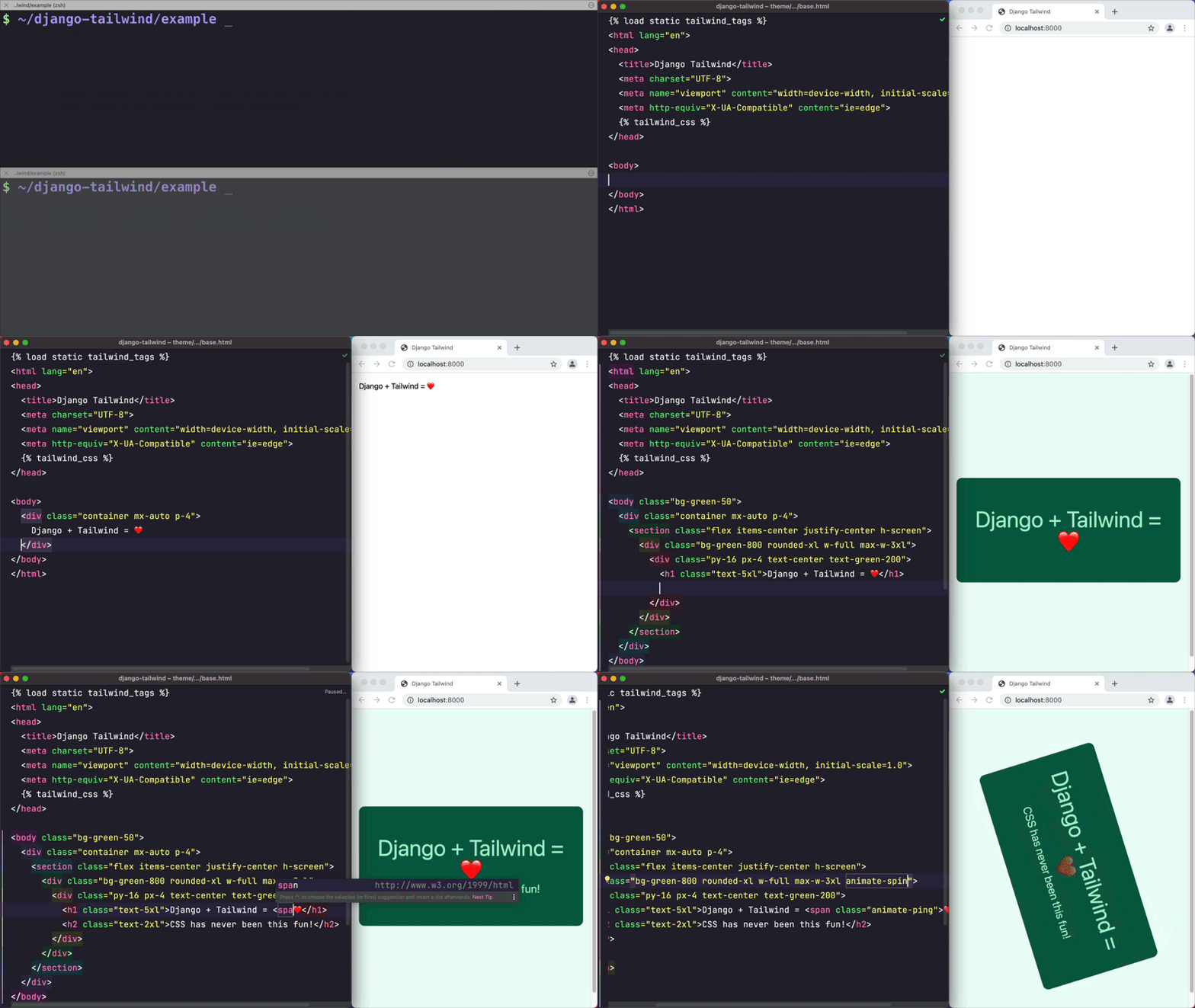
This project provides a convenient way to integrate the Tailwind CSS framework into a Django project.
It creates a new Django app (named theme by default) that includes all the necessary files and configurations to get
started with Tailwind CSS quickly and without even needing to install Node.js if you choose the standalone binary mode.
- An opinionated Tailwind CSS setup that makes your life easier;
- Two installation modes: standalone binary (works without
Node.js) or npm-based (Node.jsrequired); - Hot reloading of CSS, configuration files, and Django templates. No more manual page refreshes!
- Out of the box support for CSS imports and nesting;
- Supports the latest Tailwind CSS
v4.x; - Start both Tailwind CSS and Django development servers with a single command;
- An optional DaisyUI integration to spice up your Tailwind templates with pre-built components.
- A convenient management command for installing Tailwind CSS plugins;
Python 3.11 or newer and Django 5.2 or newer.
Note: Node.js 22 or newer is only required if you choose the npm-based installation. The standalone binary mode does not require Node.js.
The full documentation is at https://django-tailwind.readthedocs.io/ or in the docs directory of this repository.
Using a coding agent such as Claude Code, Codex, or Cursor? Point it at llms.txt and let it do the setup:
Install and configure django-tailwind in this project by following
https://raw.githubusercontent.com/timonweb/django-tailwind/master/llms.txt
The agent will ask you a few questions (standalone or npm-based, app name, daisyUI) and then install, configure, and verify everything.
-
Install django-tailwind:
a) With all dependencies that make development easier (recommended):
pip install 'django-tailwind[cookiecutter,honcho,reload]'b) or just the core package (enough for production use;
tailwind initadditionally needs thecookiecutterextra):pip install django-tailwind
-
Add to INSTALLED_APPS in settings.py:
INSTALLED_APPS = [
    # ...
    "tailwind",
]
-
Create Tailwind app:
python manage.py tailwind init
-
Add the generated app to INSTALLED_APPS and configure:
INSTALLED_APPS = [
    # ...
    "tailwind",
    "theme",  # your generated app name
]

TAILWIND_APP_NAME = "theme"
-
Install Tailwind CSS dependencies:
python manage.py tailwind install
-
Start development (runs Django + Tailwind):
python manage.py tailwind dev
-
Use Tailwind classes in your templates:
{% load tailwind_tags %}
{% tailwind_css %}

<h1 class="text-4xl font-bold text-blue-600">Hello Tailwind!</h1>
That's it! 🎉 Your Django project now has Tailwind CSS installed and ready to use.
For configuring automatic page reloads during development, see the Installation instructions.
Please see CONTRIBUTING.
2019 - 2026 (c) Tim Kamanin — A Full-Stack Django and Wagtail Developer