
Slate helps you create beautiful, intelligent, responsive API documentation.
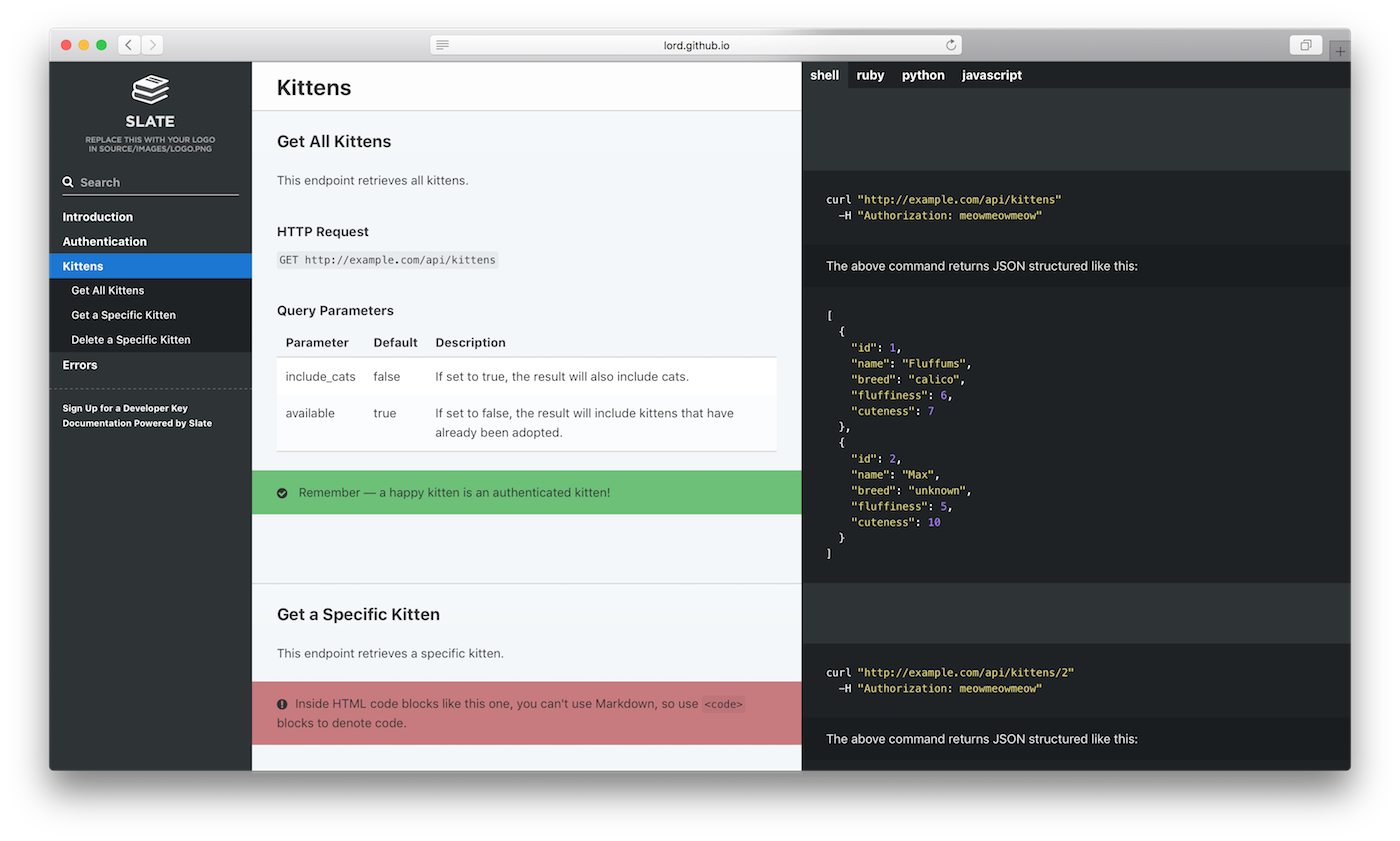
The example above was created with Slate. Check it out at lord.github.io/slate.
You're going to need:
- Linux or macOS — Windows may work, but is unsupported.
- Ruby, version 3.3.0 or newer
- Bundler — If Ruby is already installed, but the
bundlecommand doesn't work, just rungem install bundlerin a terminal.
If you are on an M1 machine, you may experience problems installing ruby, please following this guide here
https://www.moncefbelyamani.com/how-to-install-xcode-homebrew-git-rvm-ruby-on-mac/?utm_source=stackoverflow&utm_campaign=51126403
- Clone this repo at
https://github.com/procurify/sticky.git cd slate- Initialize and start Slate:
bundle install
bundle exec middleman server
You can now see the docs at http://localhost:4567. Whoa! That was fast!
Now that Slate is all set up on your machine, you'll probably want to learn more about editing Slate markdown, or how to publish your docs.
If you'd prefer to use Docker, instructions are available in the wiki.
Merging to master publishes the site automatically via the Publish API docs GitHub Actions workflow (.github/workflows/publish-api-docs.yml). CircleCI still builds the docs on every branch and pull request and stores api_docs/build/ as a job artifact; it does not publish. The live site is https://procurify.github.io/sticky/.
GitHub Pages must be sourced from GitHub Actions, not the gh-pages branch. That is a one-time repo setting (Settings → Pages → Source). After the switch, pushing to gh-pages does not update the live site, and gh-pages branch protection is unused for publishing.
To publish manually, run Publish API docs from the Actions tab (workflow_dispatch).
To inspect a local production build without publishing:
cd api_docs
bundle install
bundle exec middleman build --clean
To roll back the live site, revert the change on master and merge (the publish workflow rebuilds and deploys), or re-run a previous successful Publish API docs workflow from the Actions tab.