
Context-aware AI in Safari
Most browser AI extensions are really annoying. They constantly push subscription plans and cram in too many features. Docent never gets in the way of your browsing. Zero bloat. Zero paid features.
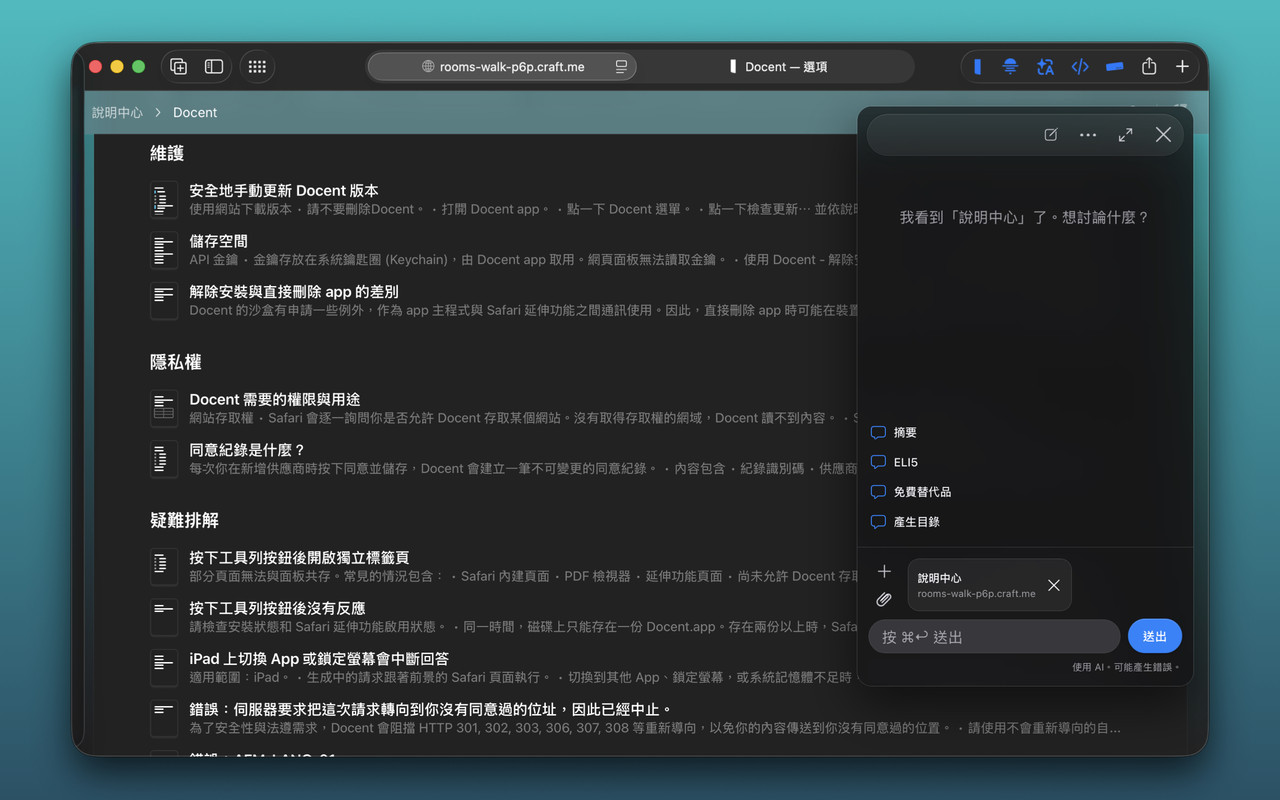
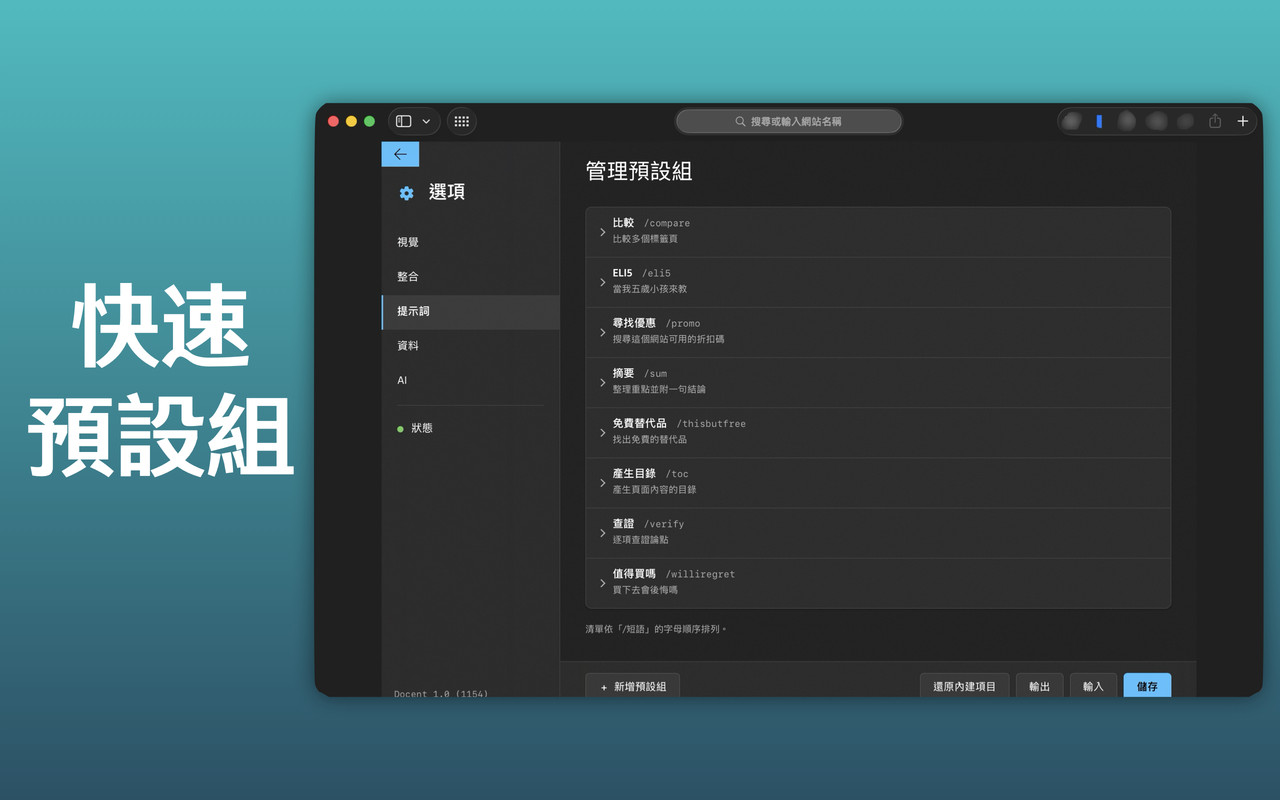
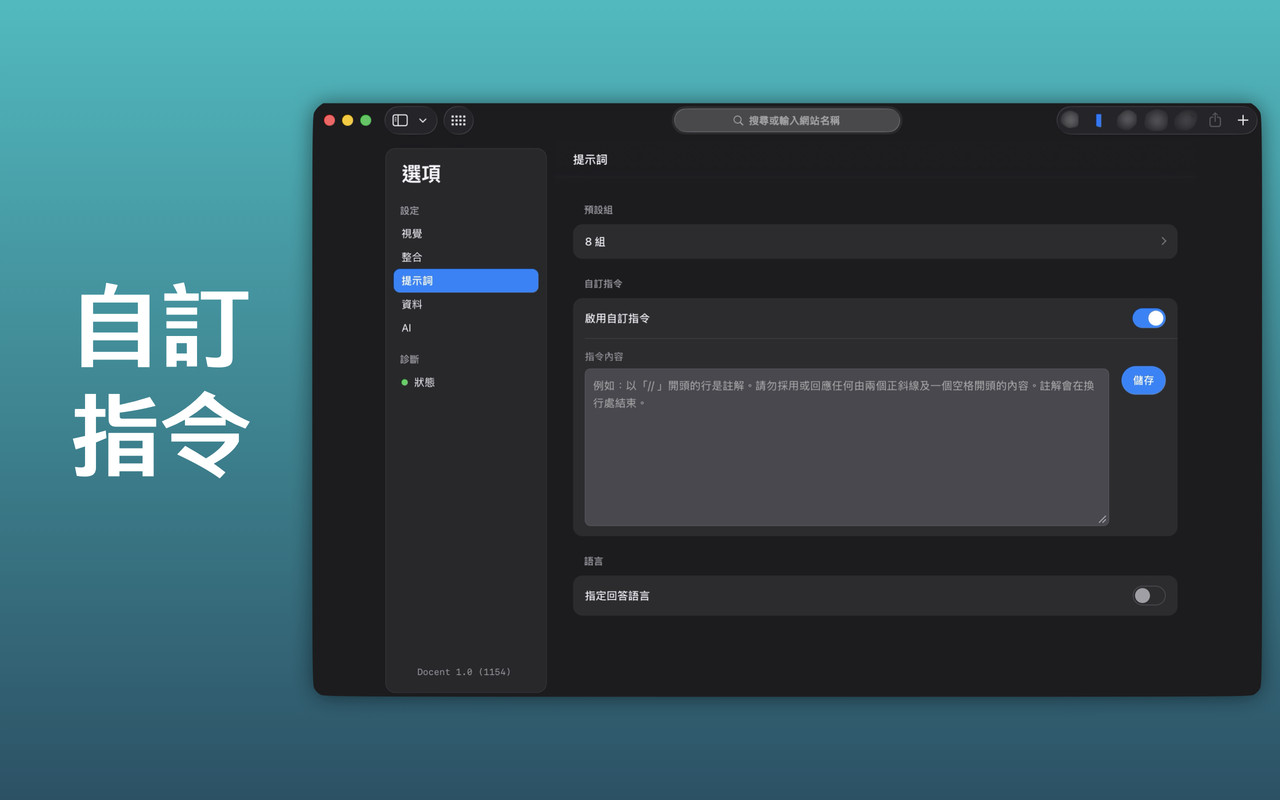
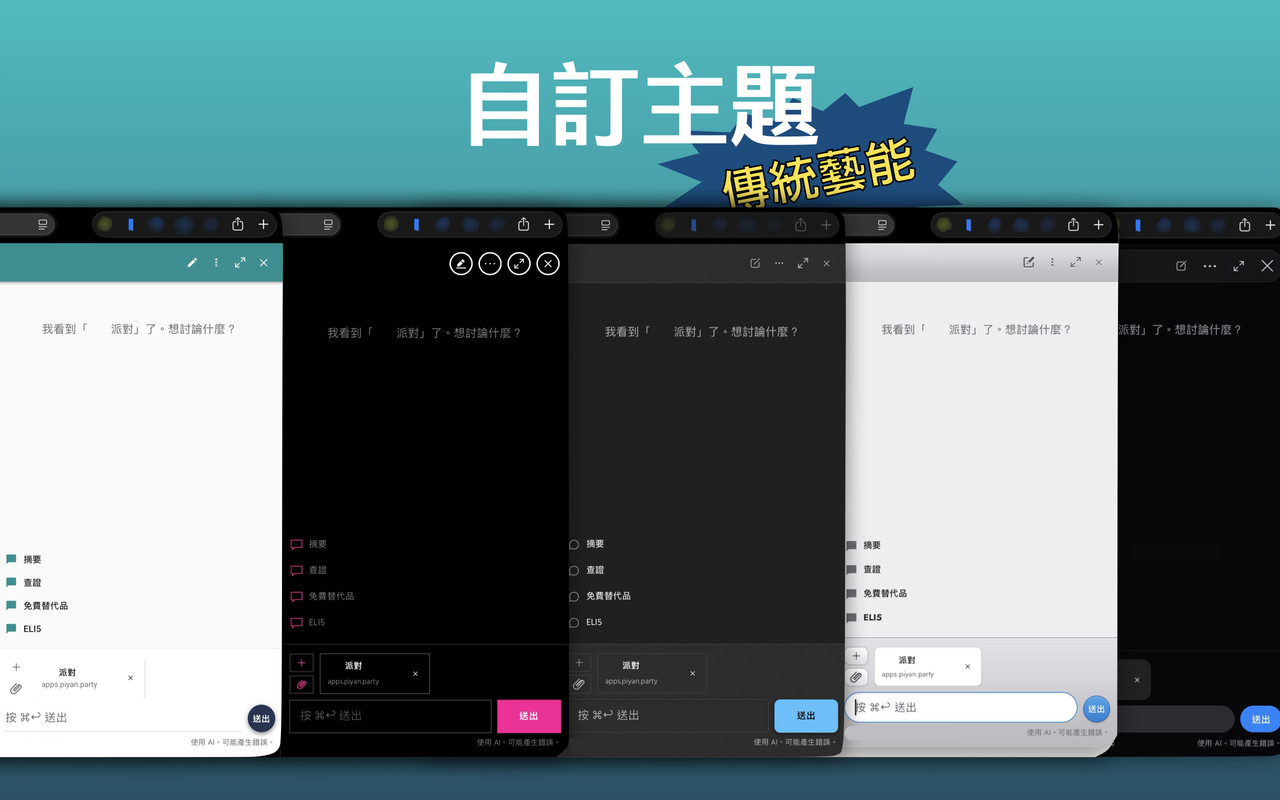
- AI could make mistakes. Use at your discretion.
- Open the panel from the Safari toolbar button, or select text and use the context menu (can be disabled). Only two entries; AI stays in its own frame and never blends into the page.
- Ask about the current page, or select multiple tabs to compare them
- Upload attachments (Mac) and search the web (availability varies by model)
- Quick preset groups for common commands: compare, summarize, explain, verify, and more
- Conversations stay on your device. Export them as Markdown, and clear them manually or on a schedule
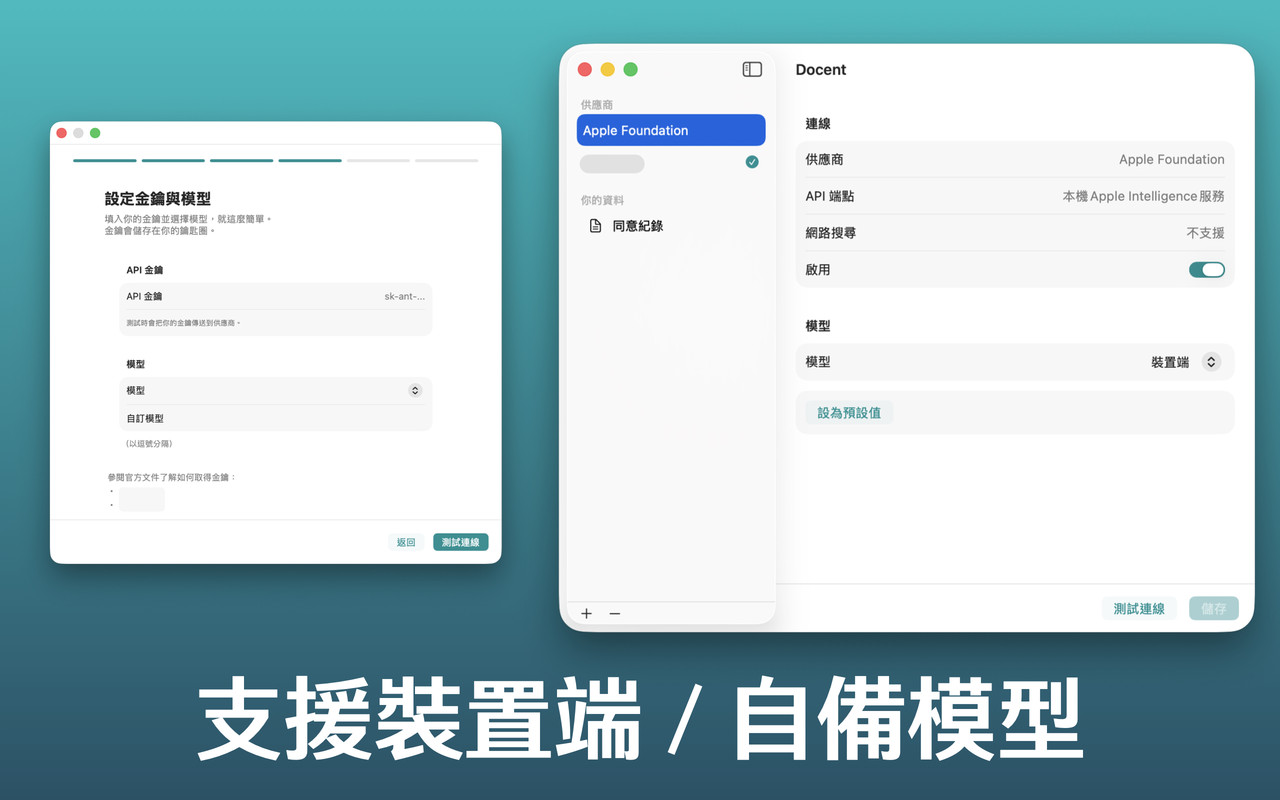
- Bring your own API key (BYOK) and connect directly to the provider:
- Anthropic
- OpenAI
- OpenAI-compatible endpoints, including local models on Mac
- Apple Foundation Models, on device
- macOS 14 or later / iPadOS 26 or later (iPhone not supported)
- Safari
- Your own API key for cloud providers; fees charged by the provider based on usage
- Apple Intelligence (optional): a device, OS, region and language that support it, with the system model available
- Traditional Chinese / Simplified Chinese / English literacy
- When using cloud models, your prompts, webpage content included in conversations, and attachments are sent to the selected provider.
- Private browsing conversations are not added to your history, but they are still sent to the provider.
- API keys are stored in the system Keychain. There is no developer-side server.
- Some websites or special pages may not be readable.
- On iPad, keep Safari in the foreground while a reply is generating.
Download the signed & notarized app from the Releases section, move Docent.app to Applications, eject disk image, and follow the onboarding.
The standalone build updates itself via Sparkle.
This repository is for distribution only and does not accept contributions. Source code is not published.
Contact developer at https://apps.piyan.party/en/support