AirDrop for the open web — proximity-verified, peer-to-peer file transfer that runs in any modern browser.



-brightgreen?style=for-the-badge)
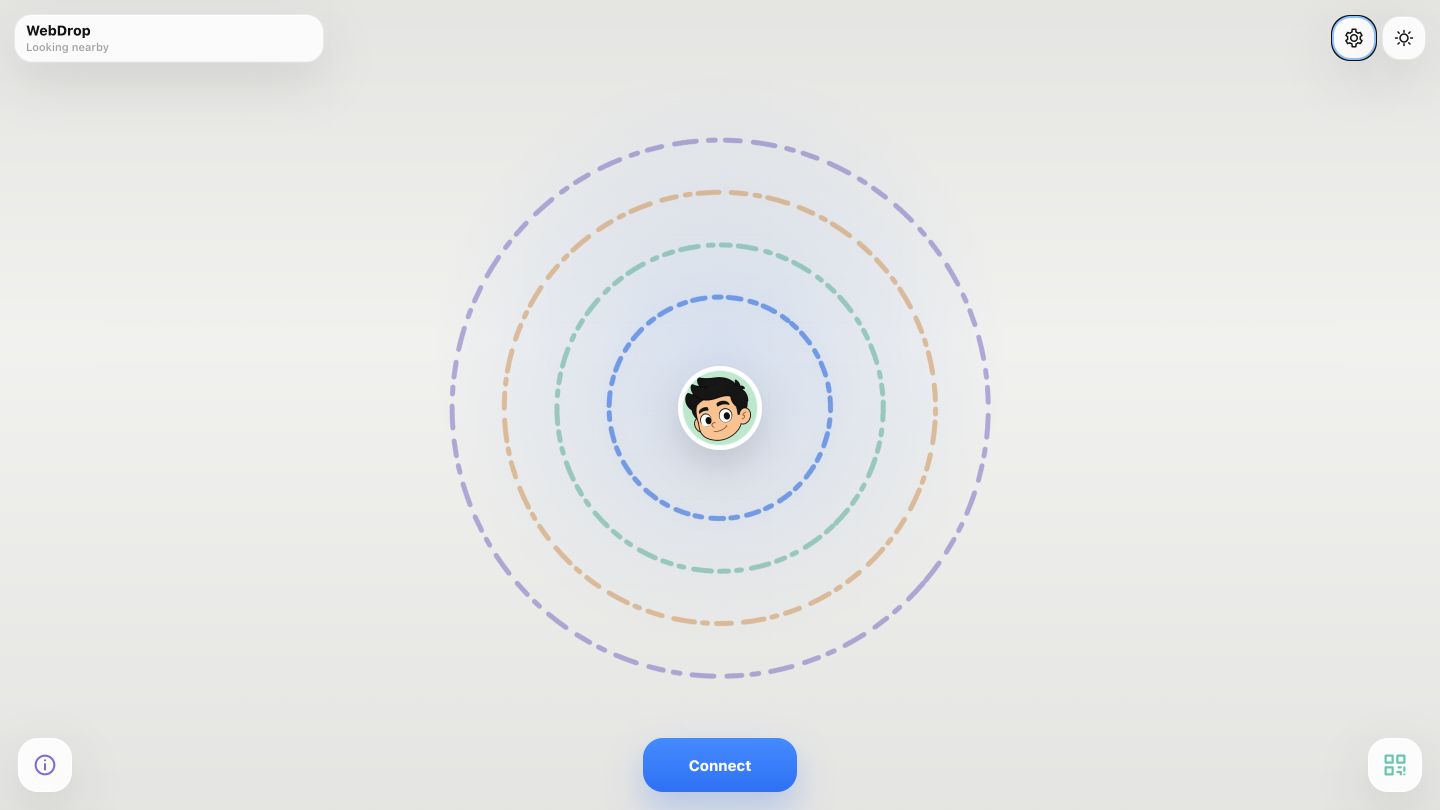
WebDrop is a mobile-first, zero-build static PWA for AirDrop-style file transfer between nearby devices — no app install, no account, no cloud upload. Two phones discover each other, prove they are physically close (an ultrasonic + bump/tilt "ceremony", or a QR scan), then stream files directly peer-to-peer over WebRTC data channels. Files never touch a server.
Live: https://webdrop.mohamedfuad.com
The only backend is a lightweight Node WebSocket signaling + TURN-credential
server (azure cloud server/); it brokers presence, pairing, and the WebRTC
handshake, but the actual file bytes travel device-to-device.
- Physical-proximity pairing — devices confirm real closeness before
connecting, using a coordinated ultrasonic Web Audio handshake (~17.8–19.8 kHz,
4 concurrent lanes) plus bump + tilt detection via
DeviceMotion. The gate requires ultrasound and bump and tilt to pass — resistant to remote relay. - Crowd-safe simultaneous connect — up to 10 devices tapping Connect at once land in one server-coordinated cohort. Groups above a single pair take turn-taking bump cues ("Get ready — bump when your phone says NOW"), so different pairs bump on separate beats and the matcher's closer-bump veto can tell them apart; concurrent cohorts are staggered, waiting states are always visible ("Another group is connecting — hold on…"), and a true pair split across cohorts by arrival order regroups automatically instead of failing into a manual retry.
- QR pairing fallback — scan a short-lived personalized QR code (with the sender's avatar composited in) when acoustic pairing isn't available.
- Direct P2P transfer — files stream over two ordered WebRTC data channels with a SHA-256 manifest, 256 KB chunking, backpressure, acks, retries, cancel, and completion verification. Up to 500 MB per session.
- Adaptive storage — automatically picks the best sink per device: IndexedDB chunking, StreamSaver streaming download, or an in-memory Blob fallback (iOS Safari).
- Live transfer HUD — an iPhone-style Dynamic Island shows a staged pairing ladder, QR display/scanner, and a smooth frame-rate transfer progress meter.
- Orbital peer radar — nearby devices render as avatars orbiting your own, with swipe-to-send, bottom sheets, avatar cropping, chat, and live profile sync.
- Guided tour — an ⓘ button opens a five-slide swipeable bottom-sheet walkthrough (a miniature orbit, an animated bump with a synthesized thud, QR and transfer scenes) ending in the app's signature slide-to-start gesture. Bilingual, theme-aware, and accessible (true modal focus containment, reduced-motion and in-app motion-pause support).
- Installable PWA — service-worker precache, offline shell, and an in-browser mock mode (15 simulated peers) so the entire UI works offline with no server.
- Bilingual — full English / 日本語 UI.
- Admin dashboard — a separate operations console (
/admin/) with live device/pairing telemetry, an ultrasonic monitor, single- and two-device test modes, and a server-persisted runtime proximity policy (score weights, timing windows, thresholds) tunable live with no redeploy.
1. Discovery   Signaling server broadcasts presence → peers appear on the orbit radar.
2. Intent      You tap a peer (or "connect nearby").
3. Verify      Proximity ceremony (ultrasonic + bump + tilt) or QR pairing proves closeness.
4. Connect     WebRTC SDP/ICE is exchanged over the signaling channel; two data channels open.
5. Transfer    Files stream directly peer-to-peer. The server is no longer in the data path.
When several groups connect at once, the server groups arrivals into acoustic cohorts (one shared frequency lane per cohort, time-sliced chirp slots, and a per-device bump cue), staggers overlapping cohorts, defers matching until every overlapping group has reported, and vetoes any candidate pair whose bump sits closer to a third device's — so strangers are never paired just because they bumped on the same beat.
- Control plane (WebSocket JSON): presence, invites, pairing, proximity telemetry, SDP/ICE relay, chat — small messages only.
- Data plane (WebRTC data channel): the file manifest + chunks + acks — large/binary, never traverses the WebSocket.
| Layer | Technology |
|---|---|
| Frontend | Vanilla ES modules — no framework, no bundler, no build step |
| App shell | Service Worker PWA, custom observable store + controller state machine |
| Transport | WebRTC (RTCPeerConnection, data channels), WebSocket signaling |
| Proximity | Web Audio (ultrasonic chirps), DeviceMotion (bump/tilt), QR via jsQR / BarcodeDetector + qrcode-generator |
| Storage | OPFS / IndexedDB / StreamSaver / Blob |
| Backend | Node.js WebSocket signaling + TURN-credential server (azure cloud server/), deployed on Azure |
| Testing | Node test runner (unit) + Playwright (e2e) |
index.html               # App entry (loads js/app.js as a module)
js/
  app.js                 # Bootstrap: builds & wires the singleton object graph
  core/                  # Observable store + controller (the state machine)
  services/              # Signaling, WebRTC transport, transfer protocol, proximity engine, sensors
  storage/               # StorageClient façade (IndexedDB / StreamSaver / Blob backends)
  ui/                    # AppView (orbit radar, sheets), Dynamic Island, wave canvases
  config/                # Runtime flags, i18n (en/ja), avatar options
css/                     # Layout, orbit, dynamic-island, admin styles
admin/                   # Operations dashboard + diagnostics
azure cloud server/      # Node WebSocket signaling + TURN server (separate package)
tests/                   # Node unit tests + Playwright e2e specs
The frontend has no build step — it's static ES modules served over HTTPS/localhost (a secure context is required for microphone, motion, WebRTC, and OPFS).
npm install          # dev tooling (Playwright, ws) only

# Serve the static frontend locally
npm run serve        # http://127.0.0.1:4178

# Verify
npm run check        # lint/static checks
npm test             # Node unit tests
npm run test:e2e     # Playwright end-to-end
npm run verify       # check + unit tests
The signaling server is a separate Node project:
cd "azure cloud server"
npm install
cp .env.example .env   # configure signaling + TURN credentials
npm start
The committed js/config/runtime-config.js points the app at the production
signaling server. To explore the UI offline with mock mode (15 simulated
peers), open http://127.0.0.1:4178/?runtime=mock; the flag works on localhost only.
- Frontend: static deploy on Vercel (
webdrop.mohamedfuad.com, also reachable atweb-drop-lyart.vercel.app). - Signaling server: Node service on an Azure VM (
azure cloud server/), providing WebSocket signaling and brokered TURN credentials.
Private project — all rights reserved.